
Activity: Create a Sway
In this activity, you will create a visually striking newsletter based on the research article you did previously. Sway allows you to drop photos, videos, and other multimedia easily and is integrated with your device and the web.
- Open http://portal.office.com/
- Sign in with your Unisa myLife email address and myUnisa password.
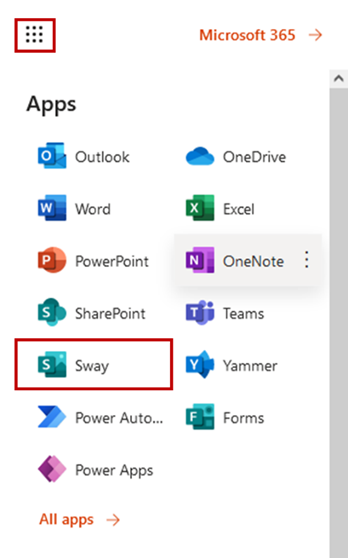
- From the "App launcher" select "Sway"
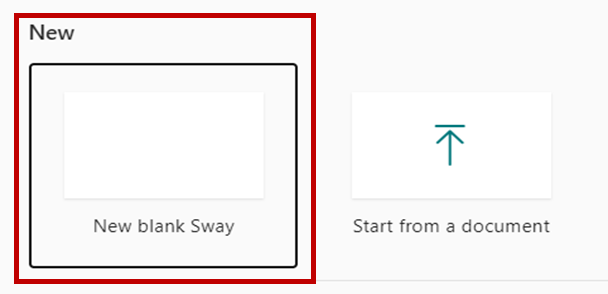
4. Once Sway opens click on New blank Sway
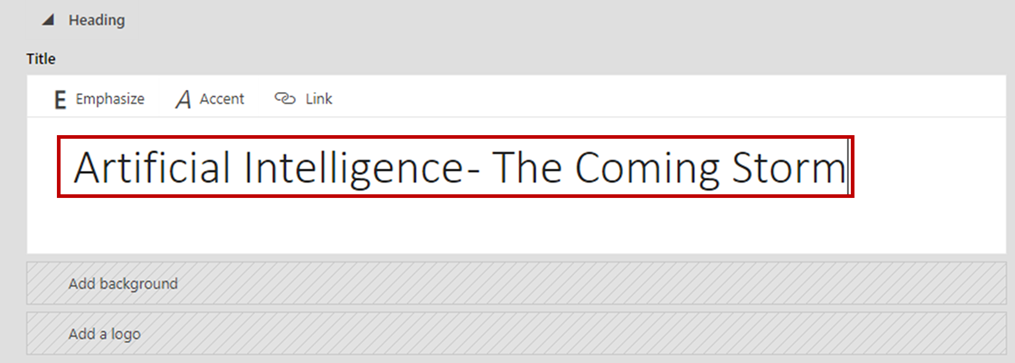
5. Click on Details

6. Enter the Title of your Sway, example below.
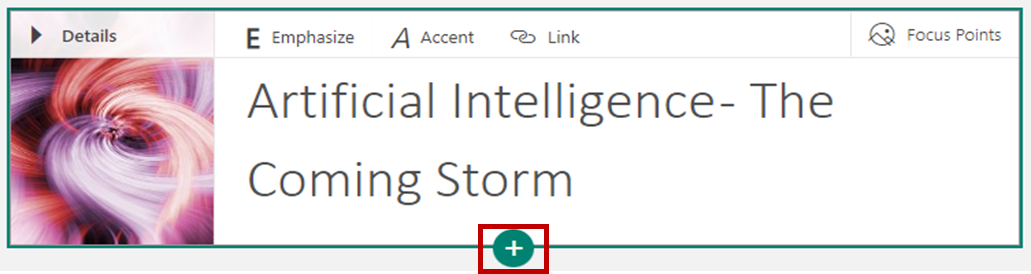
7. Click on Add a background. On your right-hand side, you will see options as illustrated below. Select a background of your choice. Click on Add.

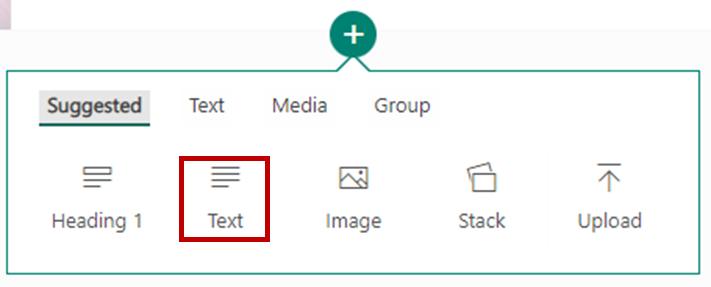
8. Next click on the + sign as illustrated below
9. Select the Text option
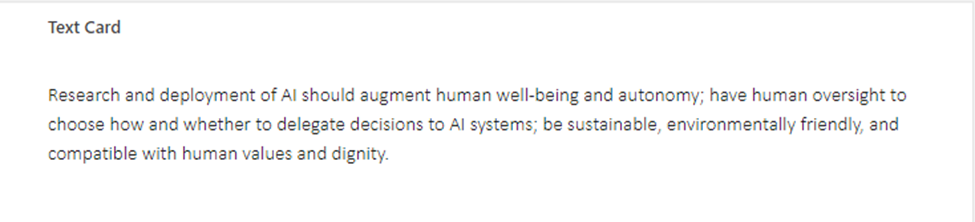
10. Write up a paragraph on how AI will change your life in the next five years.
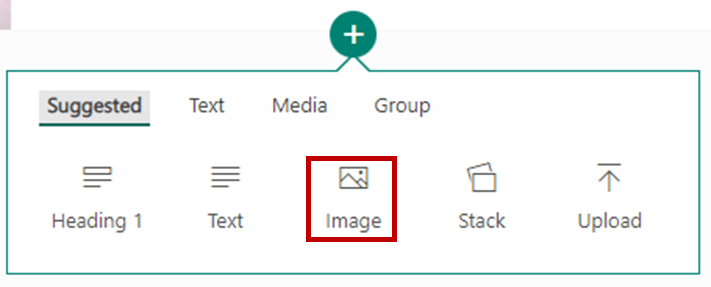
11. Click on the + again and this time select the image option.
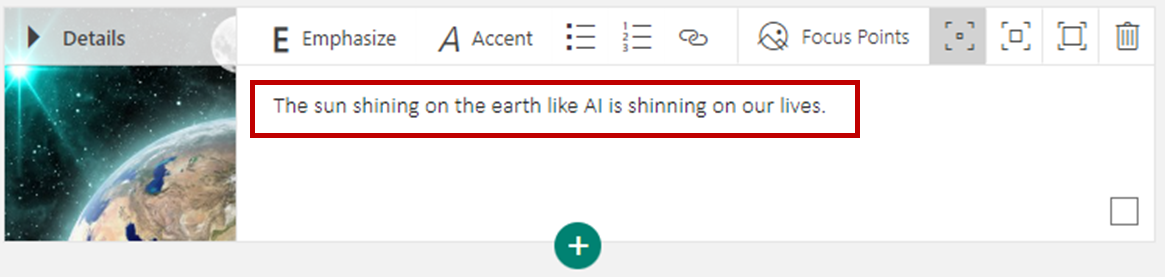
12. Select your image and add a caption.
13. At the top right area of your Sway app, you will see a play button. Click on the play button.
14. Once you have viewed your Sway click on the edit option at the top right-hand corner of your Sway app.

Proceed to the next section once completed.