
💻 Activity: Navigating Cloud Computing with OneDrive
The objective of this activity is to provide hands-on experience with cloud computing by using OneDrive within Microsoft 365. You will learn how to access OneDrive, create and organise files, share documents, and collaborate with others online. This activity will enhance your ability to utilise cloud-based tools for productivity and collaboration in your academic journey.
🛠️ Activity Instructions
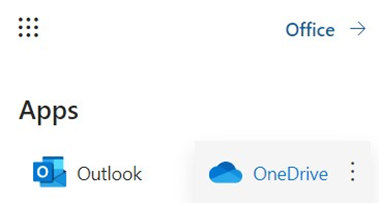
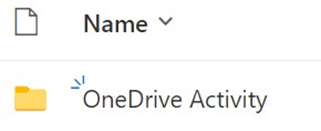
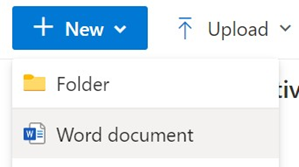
Part 1: Accessing OneDrive and Creating a New Document ▼

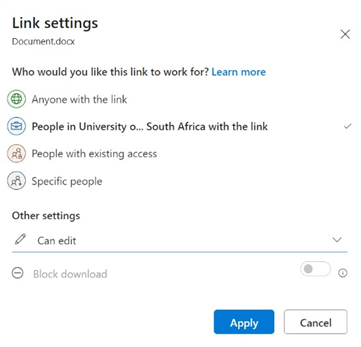
Part 2: Sharing and Collaborating on the Document ▼

Part 3: Reflect and Discuss ▼
🏆 Outcome
By completing this activity, you will gain practical experience in using cloud computing tools like OneDrive for file management and collaboration. These skills are essential for effective teamwork and productivity in a modern, digital learning environment.